

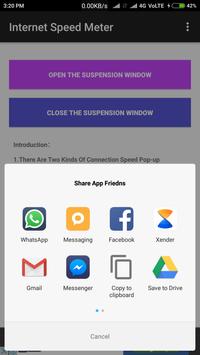
Internet Speed Meter Live Network Speed Show And Set In Statusbar And Set Display Position.
Internet Connection Keyworld:-
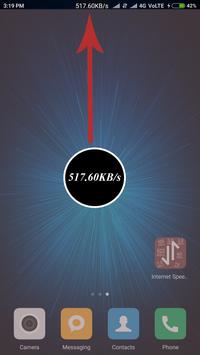
-There Are Two Kinds Of Connection Speed Pop-up Windows, Which Are Small Window (Display Real-Time Network Speed) And Large Pop-up Window (Show Detailed Information),Through The APP Control ON And OFF.
-Real-Time Network Speed Is The Speed Of All Network Card And Down-link Speed; Detailed Information, W On Behalf Of WiFi Network, M On Behalf Of Mobile Cellular Network, Behalf Of Upload, On Behalf Of The Download.
-Connection Speed Pop-up Window Default Open Small Window Mode, Double-Click The Connection Speed Pop-up Window To Switch The Window Mode, The Connection Speed Pop-up Window Can Be Free To Drag, And Support To Drag To The Status Bar Position.
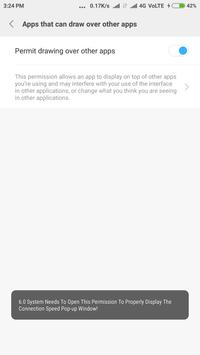
-If You Can Not Properly Display The Connection Speed Pop-up Window Or Power-ON Self-Kai, In The System Rights Management To Give The Corresponding Application Permissions.
Fix some bugs



9Apps 4.9










