

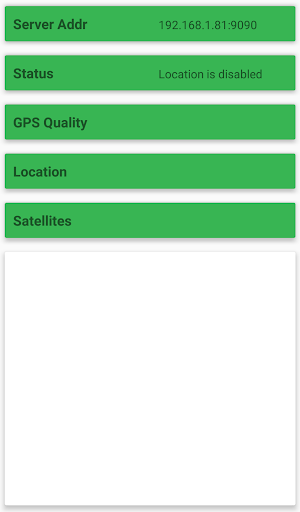
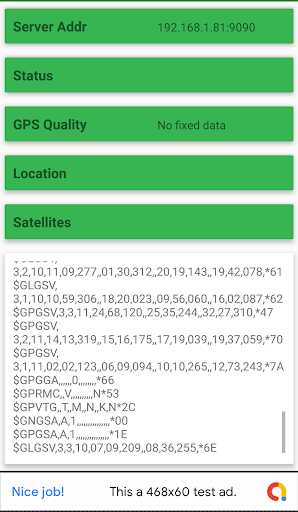
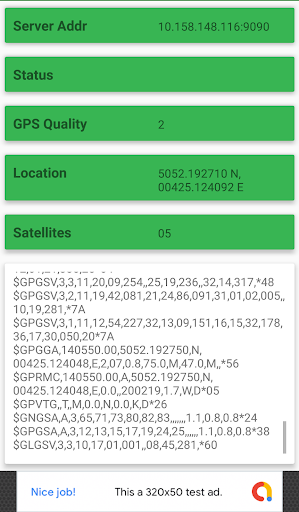
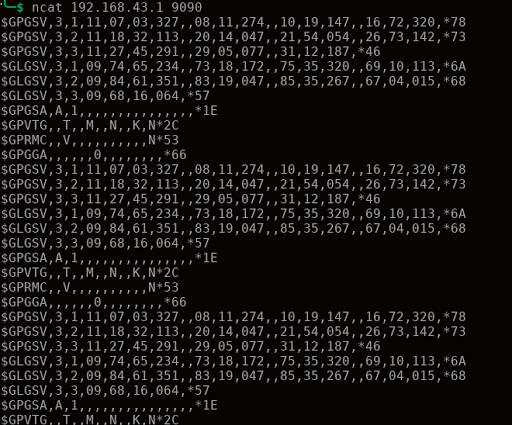
This great tool gets the raw GPS data and serves it through a TCP Socket, like a server.
To use it follow these steps:
1- Enable smartphone's WiFi (or setup a hotspot): Phone and client applications must be on the same network.
2- Open the application on your smartphone and enable location services.
3- Open a client application (a browser will suffice) and point it to the smartphone's IP Address (X.X.X.X:9090)
IP is automatically generated by the application. WIFI (not data carrier) is highly recommended, although data consumption is not very high.
Bug Fixes







9Apps 4.9











