
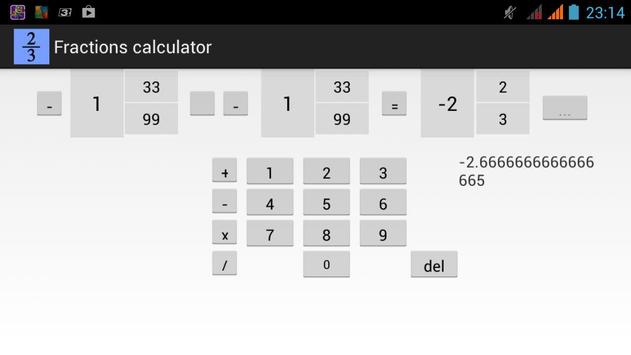
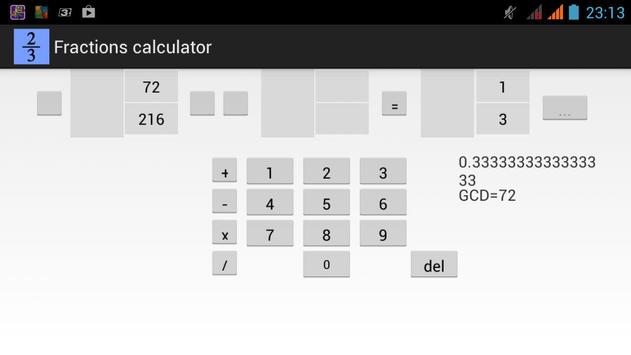
This calculator performs the following operations with fractions : multiplication, division , addition, subtraction , and reduces the fractions and converts the answer as a decimal . They are very easy to use: click on an empty entry field and use the keypad to type in the desired value at the bottom . If you want to enter a negative fraction, click on the small square in front of the input field and shot it appears the sign "-" (if you click this button again the "- " disappears) . Then select the desired operation by pressing the appropriate button on the left of the keyboard ( if you do not select the operation calculator will simply reduce fractions with output greatest common divisor - GCD ) . By clicking on the most right button, your answer becomes a value in the first input field , and you can continue a series of calculations.

9Apps 4.9












