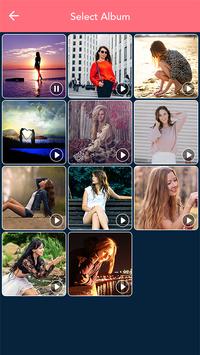
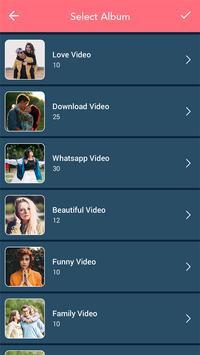
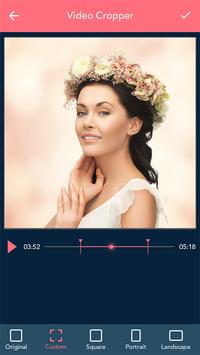
Video cropper application allows you to crop video. You just need to select video from gallery.
This application is very easy and simple to use.
Features:
-Multiple video choice.
-Crop the video.
-Cut the portion of video.
-Easy to use.
-Fast and speedy app.
How to use:
-Search the crop video – video cropper application.
-install the crop video application.
-Update this app.
-Crop video – video cropper page will be open in your smart phone.
-To start click on start button.
-Video list will be open in your phone.
-Select only one video in list.
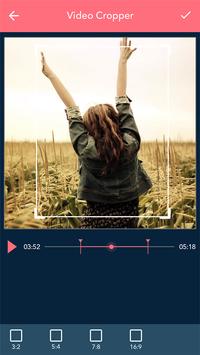
-Video crop page will be open.
-Crop your video to original , square , portrait , landscape size.
-Choice is yours.
-You can also cut your video.
-Select the portion of video to cut.
-Click on right arrow button.
-Your video will be create.
-Play your video.
-Share your video with your friends and family members on social world.
-If you delete the video click on delete button.
-Your created video will be show on my creation button.

9Apps 4.9