

How to use video:
https://www.youtube.com/watch?v=_bIz8jZ6sV0&t
How to use:
1.Allow display over other apps
2. Allow Accessibility Service for the app
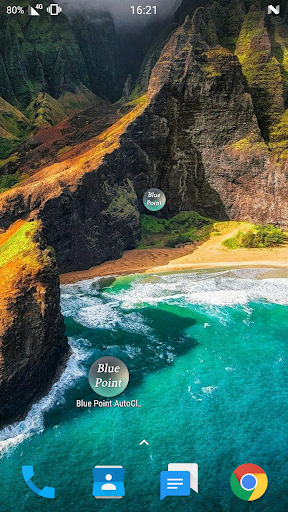
3. Open the app
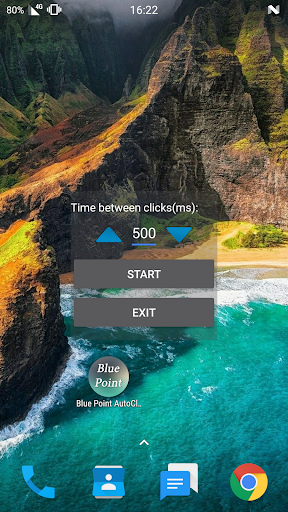
4. Place the Blue Point in the place you want to click
5. Touch the Blue point
6. On the screen opened choose your click rate by long press or short press on the arrows
7. Click Start
(To stop the app click Stop and to close the app click Exit)
*the app is still on Beta
*requires Android 7 or above.
bug fixes.

![How to Root Android Phone | One click ROOT Easy Tutorial [English] screenshot 1](https://i.ytimg.com/vi/1Y0jfjCB2WQ/mqdefault.jpg)



9Apps 4.9











