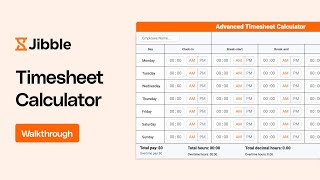

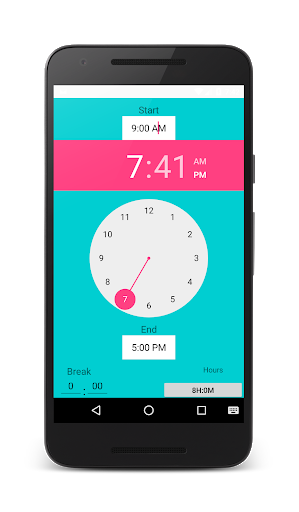
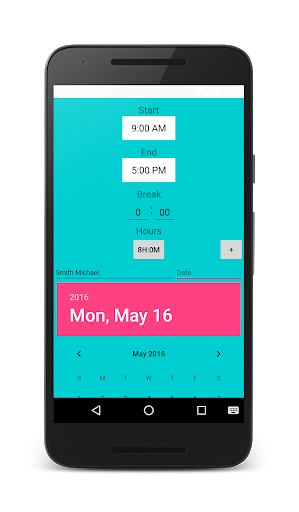
Calculate hours worked with timesheet calculator.
HOW TO USE.
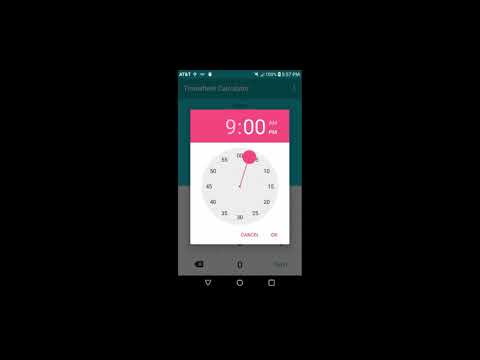
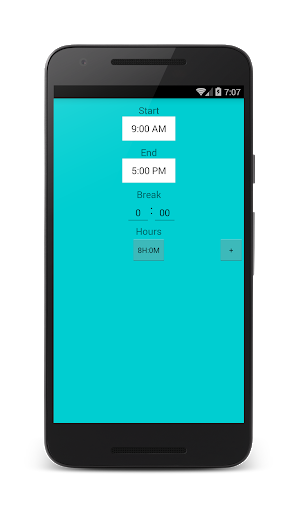
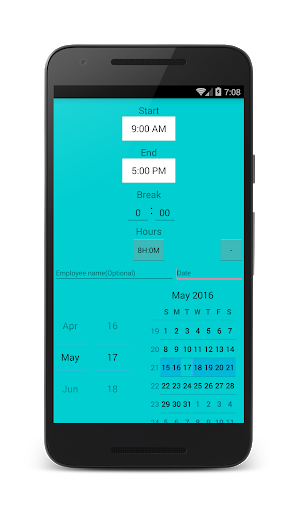
-Enter or select work start time.
-Enter or select work end time.
-Make sure you entered correct AM or PM value.
-Enter allowed break time if any.
-Time worked is instantly calculated if not, tap or click anywhere on the app.
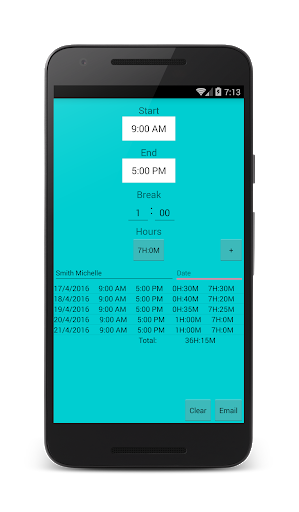
-You can click the add button to create a timesheet.
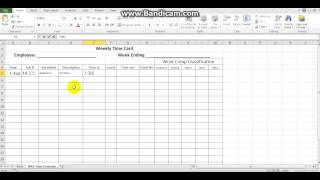
-Optionally enter your name or the employee's name and select date worked to enter work hours data to a timesheet.
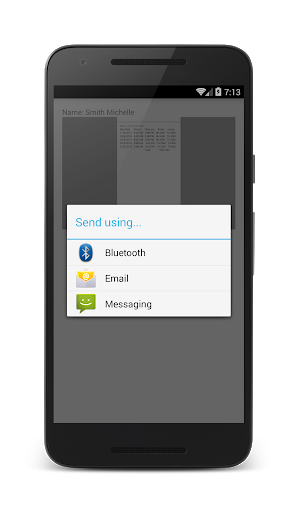
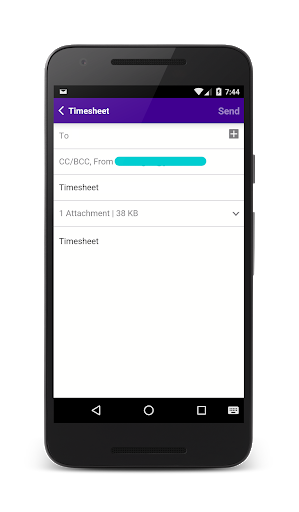
-Repeat the same process for additional days and that's it. You can now email the timesheet to your employer or employee.
-More feature updates on the way. Please feel free to suggest any.


9Apps 4.9