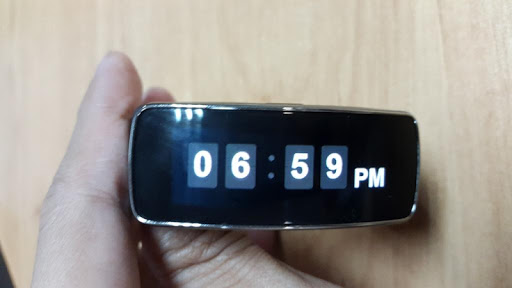
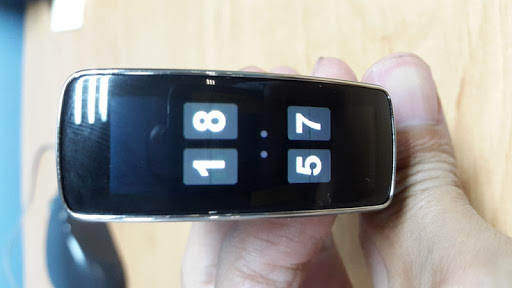
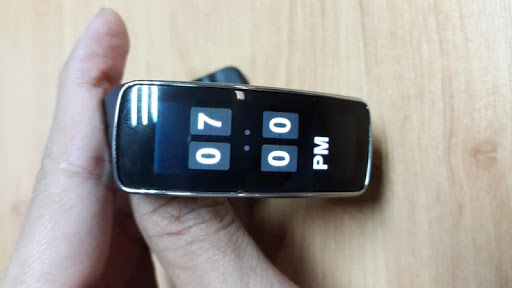
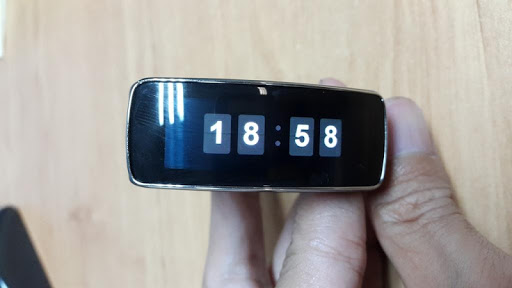
The FlipClock style for Gear fit device.
Features:
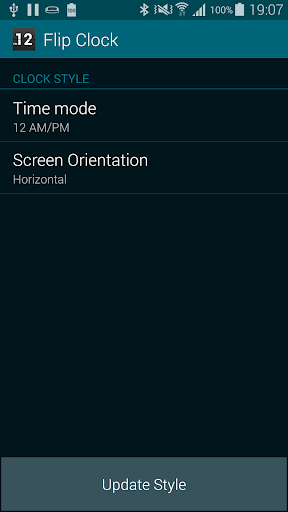
★Support 12h AM/PM, 24h, vertical and horizontal style.★
How to use?
1. Download and install Flip Clock.
2. Run application, select time mode (12h or 24h), screen orientation.
3. Click button [Update Style] -> Open Gear Fit manager(Close Advertising if have)
4. Choose Clock Tab, scroll to Gear Clock. You may need switch to other clock and re-select style.
5. Click Done and feeling :)
SAMSUNG_GEAR_FIT_CLOCK




9Apps 4.9