
[Simple one-touch flashlight (flashlight)]
There are often moments when you need a flashlight, such as when going to the bathroom in the dark at night, when you need a flashlight outdoors, or when you are looking for something in the dark.
But to use the basic Flash app, you have to take a lot of action, so it's a bother.
One touch flash (flashlight) is only one touch. Turn it off with just one touch.
Register ON / OFF button (icon) with widget and use it easily.
King of the end of simplicity ~! Use your flashlight with one touch!
[main function]
- Widget icon registration (ON / OFF icon)
- Flashlight on / off
[How to use the app]
- Install and run the app
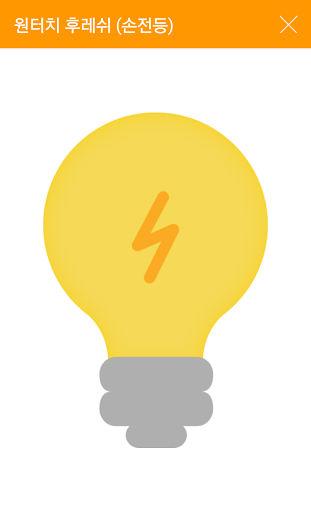
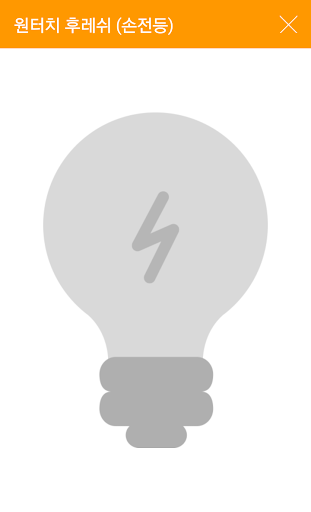
- Touch the central incandescent lamp to turn on the flashlight. Touch again to turn off the flashlight.
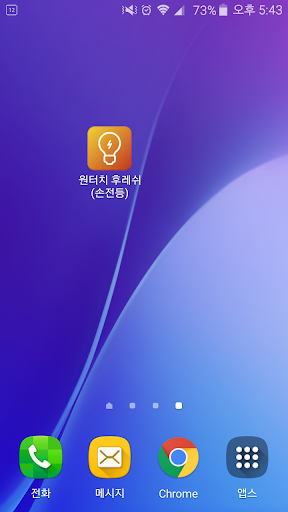
[How to set the widget] - It is more convenient to use it by registering as a widget without using the app.
- Touch and hold an empty space on the smartphone desktop.
- When the widget setting icon appears, drag the one-touch flash icon in the widget list and place it at the desired position on the desktop.
- If you touch the one-touch flash widget icon that you put, the flashlight will be turned on. Touch again to turn off the flashlight.
It's Simple~!
[Plan for future updates]
We will support all necessary functions that you want.
Please look forward to.





9Apps 4.9