


Here provides top Free Android Apps. 10,000+ users downloaded File Manger 2016 latest version on 9Apps for free every week! You can enjoy it by use in your own phone. This hot app was released on 2016-05-11. I will tell you how to use this app in the following page.
★ Best File Manager 2016 with fully Featured File Management Tool! File Manager helps you manage all your files efficiently! With an intuitive interface, File Manager allows you to handle any file or folder whether they are stored in your device or microSD card. With File Manager you can easily copy, move, rename, delete, find, share, explore, and otherwise organize all of your files on any of your storage.
★Safe, Secure, Private Super File Manager (File Explorer) is totally based on local file management. There is no risk of any file upload, loss, leakage, etc. So it is 100% safe, secure, private. Your files and information are completely safe with us.
★ File Manager: Manage your files just like you do on your desktop or laptop using Multiple Select, Cut/Copy/Paste, Move, Create, Delete, Rename, Search, Share, Send, Hide, Create Shortcut, and Bookmark. All operations can be performed on local files (on your Android device) or even remotely (from your computer over a network)
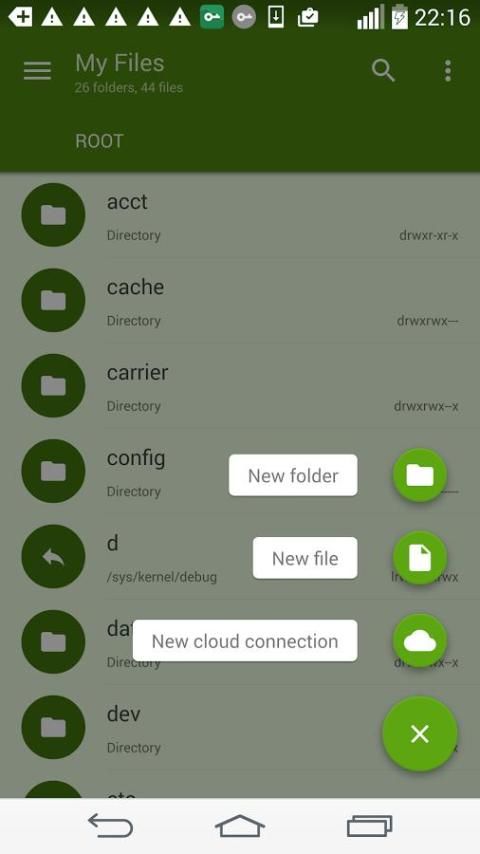
★ Root Explorer: The ultimate set of file management tools for root users. Provides access to the entire file system and all data directories, and allows the user to change permissions.
★ Cache Cleaner and Auto-start Manager: Delete junk files that take up valuable storage space. The Task Manager module is required for this feature.
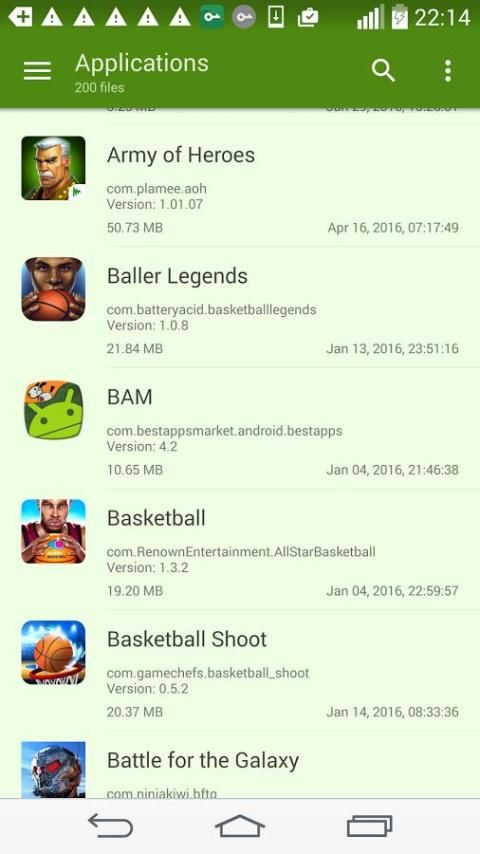
★ Easy file browsing: Browse files easily by category right from File Manager’s home screen: images, videos, music, applications, downloaded, and favorites.
★Smart Category File Manager (File Explorer) can intelligently categorize files into video, music, picture, document, APK, share history, and download category. Enjoy super fast access to files you need just one tap away.
Highlights:
★ Fully featured: Cut, copy, paste, delete, add favorite, search and more.
★ Home screen shortcuts: Create shortcuts of any folder or file in Home screen.
★ Favorite Folders: Add any folders or files to favorite list for easy access.
★ Super convenient: View files by type (image, audio, video, download etc.).
★ File's default application indicator: Indicates the default app used to open a file.
★ Multimedia Explorer: Click to play music/videos, check image(s) and document(s)
★ Cloud Storage: Supports Dropbox, Box.net, Sugarsync, Google Drive, OneDrive(SkyDrive), Amazon S3, Yandex and more clouds platforms.
More information
For more product information and videos, check out:
http://www.ExplorerFileManager.com
http://www.FileManager.com
Best File Manager 2016 :
* fix bugs
* remove ads





9Apps 4.9