

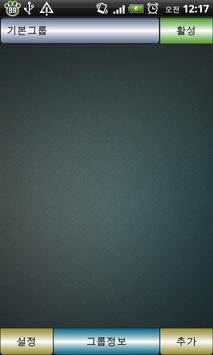


Smart Wallpaper is manage the your phone background.
Select the picture and show your phone background.
* You can change background too easy.
* Smart wallpaper not provide picture in application.
======> How to Set Wallpaper
1. Click and hold background
2. Wallpapers -> Live wallpapers
3. Select Smart Wallpaper
4. Click Set wallpaper
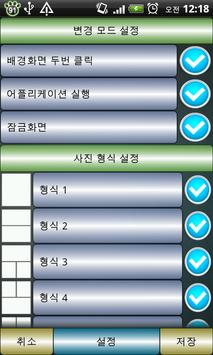
======> The ability to change the background
1. Double-click on phone background
2. Run the applications (all applications)
3. Lock Screen
======> Photo Settings features
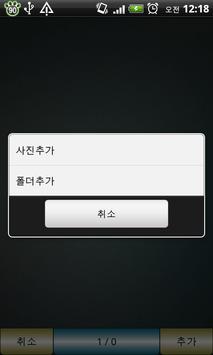
1. Individual Picture Properties
2. Folder Picture Properties
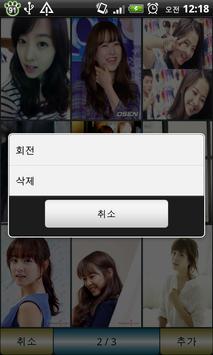
3. Picture rotation
4. Deleting individual Picture
5. Deleting all Picture
======> Background type
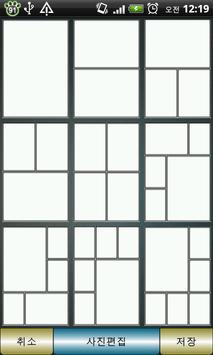
1. 5 kinds of type supported by background
* Automatically search the folder that contains picture.
* Secret folder is not searched.
V1.2.4 Update
1. Update on Reboot



9Apps 4.9









