

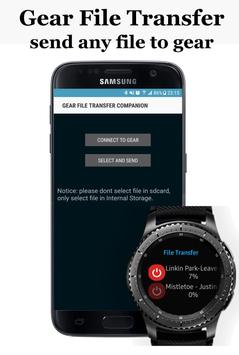
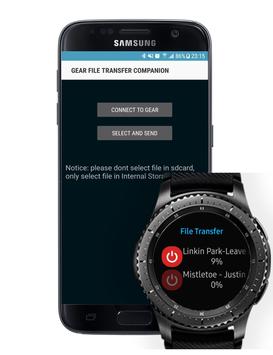
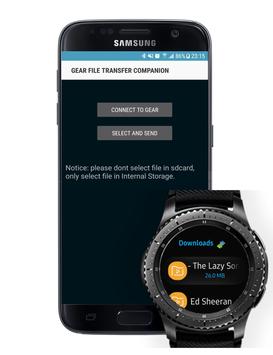
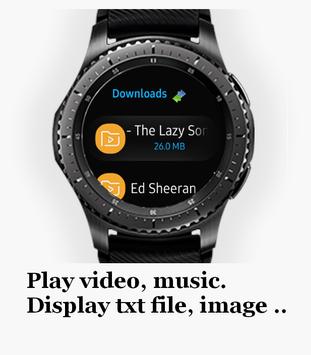
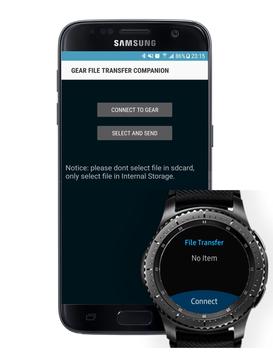
Gear File Transfer Companion is an application help you send any file from phone to gear.
Please follow the guide below to transfer file from phone to gear:
1. Connect phone and gear via bluetooth.
2. Open Gear File Transfer app on gear.
3. Press to header "download" on top.of gear app screen (required to make connection from gear to phone).
4. This app will go to File Transfer screen.
5. Unlock your phone, Gear File Transfer Companion app will be auto launched.
6. Press to connect to gear button untill screen show text: CONNECTION_ALREADY_EXIST.
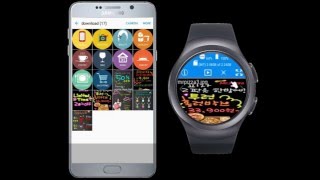
7. Press to select and send button to select and send it to gear.
8. Note: Sometime you need reboot your gear to make connection from phone to gear
Please feel free send email to me if you still has problem with this function.
Regards.




9Apps 4.9










