

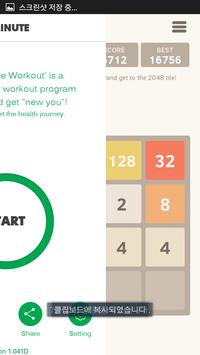
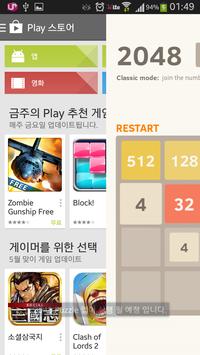
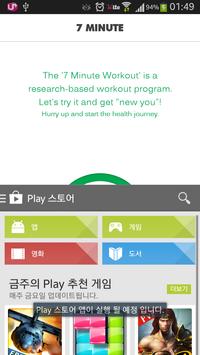
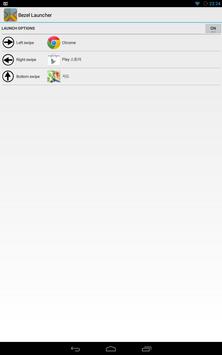
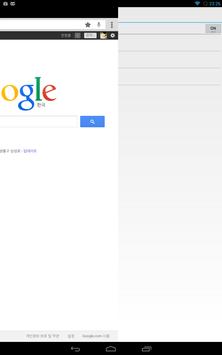
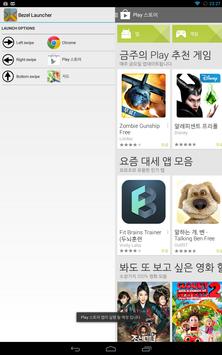
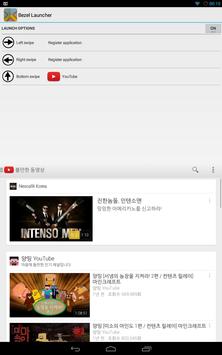
The Bezel Launcher can launch to your favorite applications quickly.
You can launch registered applications by swiping to left, right and bottom from bezel.
** How to use **
1. Switch on the button to right of the "LAUNCH OPTIONS" when you launch this application.
2. Register applications to each options.
3. Launch registered applications by swiping to left, right and bottom from bezel.
* If the Navigation bar exist on your device, you should swipe it over the navigation bar.
v1.02
- fix issue that application launching was overlapped.



9Apps 4.9










