

This app lets you take snapchat screenshots without letting others know that you took the screenshots. :D
How to take screenshots.
1. Open the "Private Screenshots for Snapchat" App.
2. Give necessary permissions.
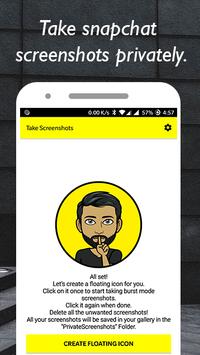
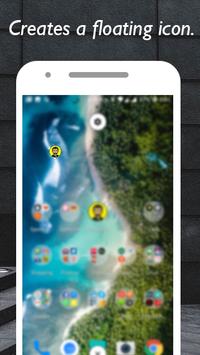
3. Whenever you receive a snapchat. Open the "Private Screenshots for Snapchat" app and create a floating icon.
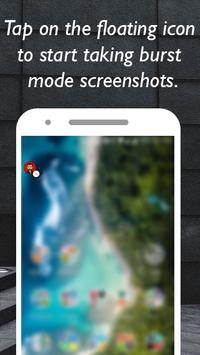
4. Tap the floating icon to start taking screenshots.
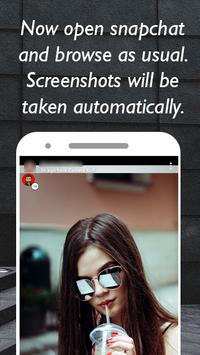
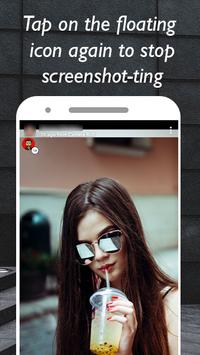
5. "Private Screenshots for Snapchat" will now start taking screenshots of all the snaps you see.
6. Tap the floating icon again to stop capturing screenshots.
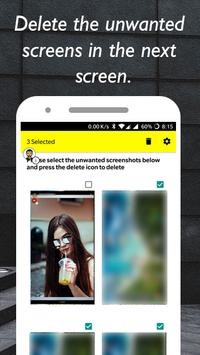
7. Delete all the unnecessary screenshots in the window that opens.
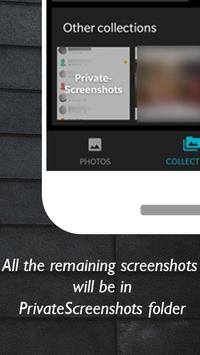
8. View the captured screenshots from "PrivateScreenshots" folder in your storage.
Report any bugs via our email. :)
Fixed some 🐞

![How to Screenshot a Snap WITHOUT Them Knowing (NO NOTIFICATION) [2023] screenshot 2](https://i.ytimg.com/vi/nHEZDbWNa_I/mqdefault.jpg)



9Apps 4.9










