

1. يجب أن يكون هاتف Android الخاص بك كحد أدنى من إصدار مصاصة Android.
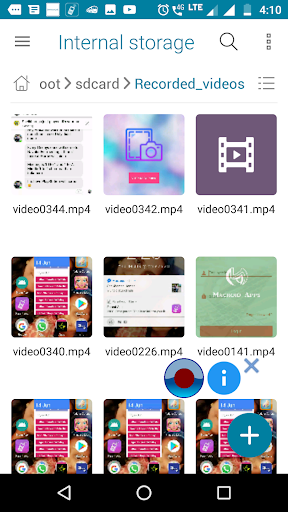
2.إذا لم تتمكن من العثور على الفيديو المسجل الخاص بك في المعرض، افتح مجلد / SDCard / Recorded_Videos في تطبيق File Manager.
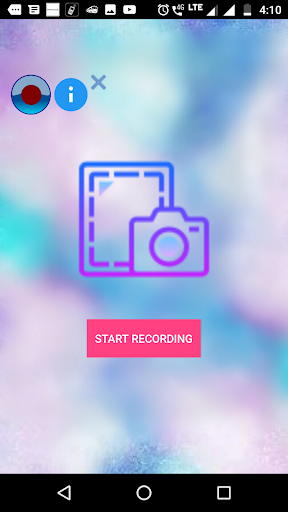
3.اضغط على زر "Home" بعد النقر فوق الزر "ابدأ تسجيل".
4.إذا كنت غير قادر على رؤية الفيديو في المجلد المذكور، فيرجى إعادة تشغيل الهاتف. "
Screen Recorder lite is the application used to record the activities in your phone. This app consumes very less memory in your device.
1.Your android phone should have minimum of Android Lollipop version.
2.If you can't find your recorded video in the gallery, open the /sdcard/Recorded_videos folder in File manager app.
3.Press "Home" button after clicking "START RECORDING" button.
4. If you are unable to see the video in the mentioned folder please restart the phone.


9Apps 4.9










