Here provides top Free Android Apps. 20,000+ users downloaded One Touch Lock Screen latest version on 9Apps for free every week! The application is severely widely use. This hot app was released on 2015-10-26. Read the following paragraph to see more information.
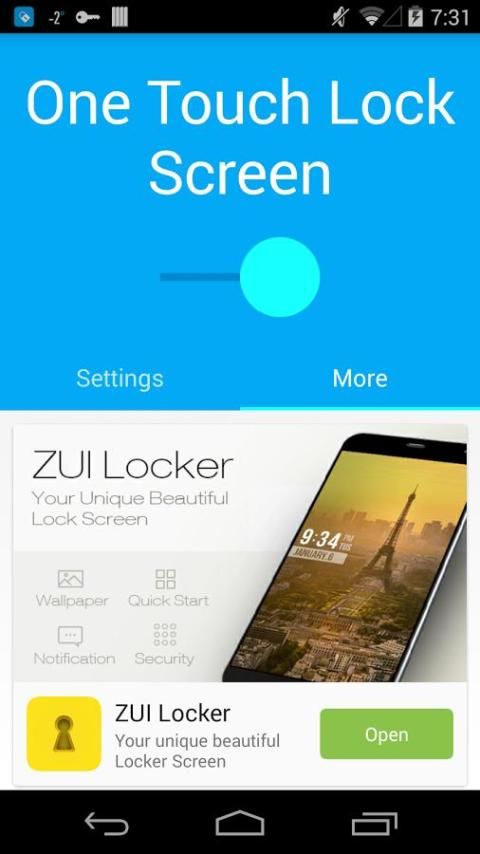
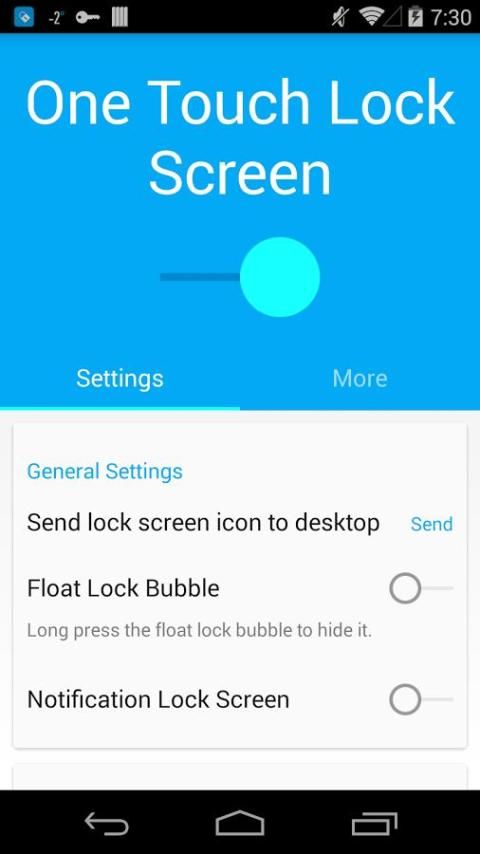
One touch lock screen, lock your screen anytime and anywhere efficiently with beautiful icon.
There are three ways to lock screen
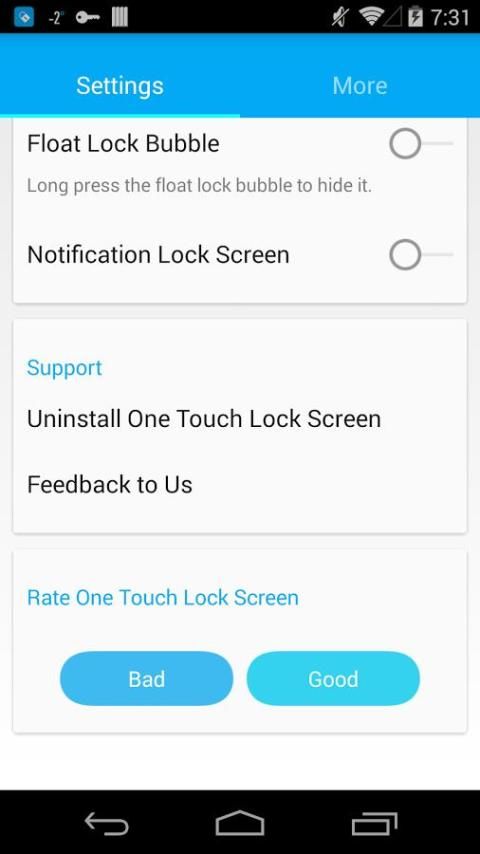
1. Touch the float lock bubble to lock screen. Long press the float bubble will hide it.
2. Create a desktop shortcut to lock screen.
3. Tap on one touch lock notification to lock screen.
One thing you should do is grant lock screen permission to this app. However, according to the Android OS policy, you have to disable this permission before uninstall (you can find it by Settings->Security->Device administrators). Uninstall feature is also embedded in this app.
Please feel free to give your feedback to us~
1. Remove notification on status bar.
2. Fix bugs

9Apps 4.9