

Get the best free apps for your android phones. 10,000+ users downloaded One Locker latest version on 9Apps for free every week! A lot of functions and features are contained in this app. This hot app was released on 2016-01-20. Here are some guides of this app:
One Locker is an Screen Locker & privacy locker & Photo/Video Vault to lock and protect apps/photos/videos with using password or pattern. One Locker can lock all apps and games like your contacts, incoming calls, e-mail, sms, settings, photos and so on. With this app lock and Screen Locker, you will never worry about exposing your privacy and private data to others. Don’t worry about kids change your settings and games.
Features
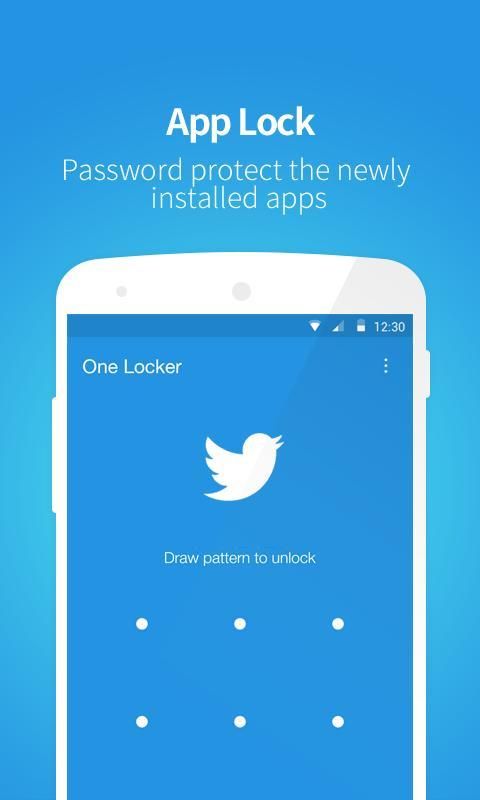
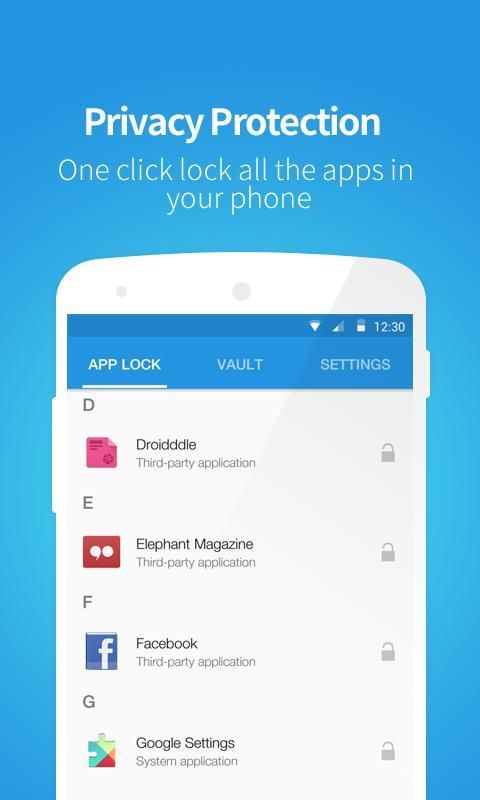
APP Lock
With APP Lock, you can lock any apps (Including system apps and third party apps )and games in your Android to keep your privacy safe. Simple and easy to lock your apps with one click!
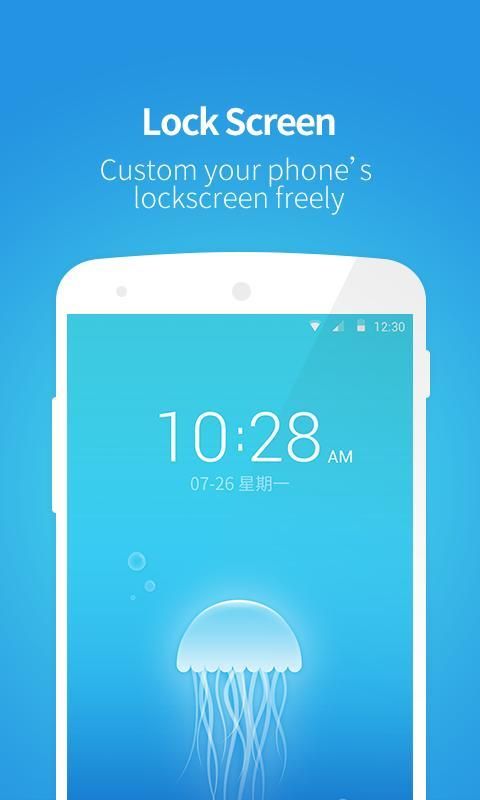
HomeScreen Locker
Lock HomeScreen to fully protect your privacy with beautiful themes inside,
One click set to read your message directly or not from lock screen.
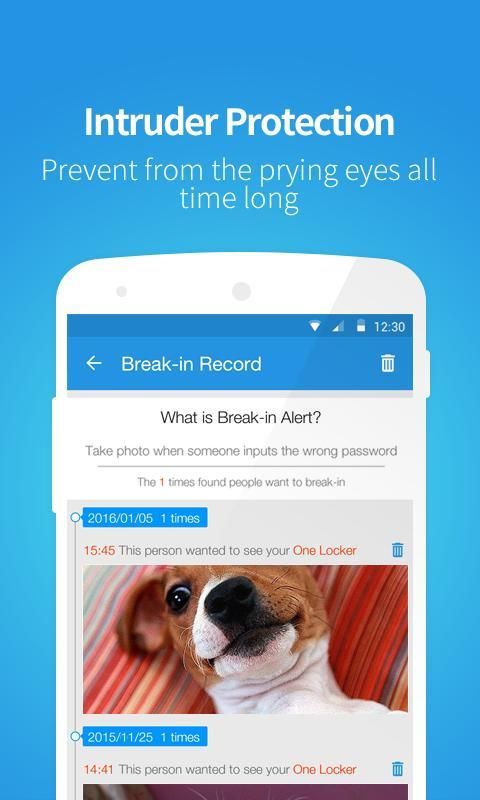
Intruder Selfie
Snap phone peepers after they enter wrong passwords, catch anyone who tries to snoop on your phone.
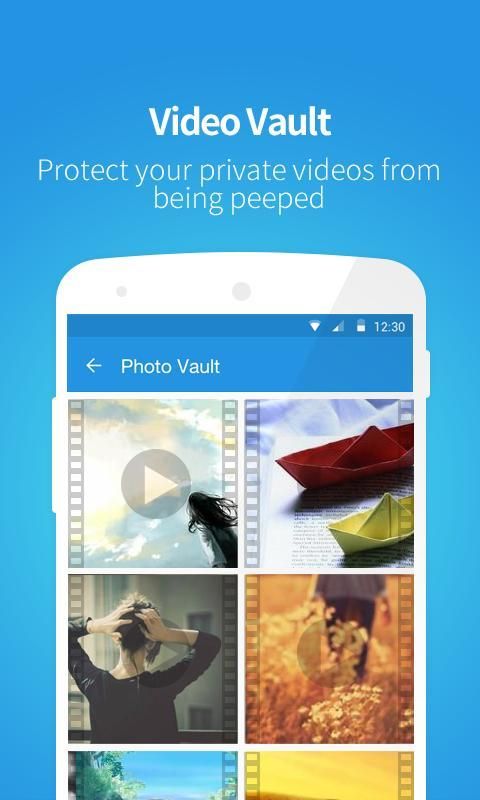
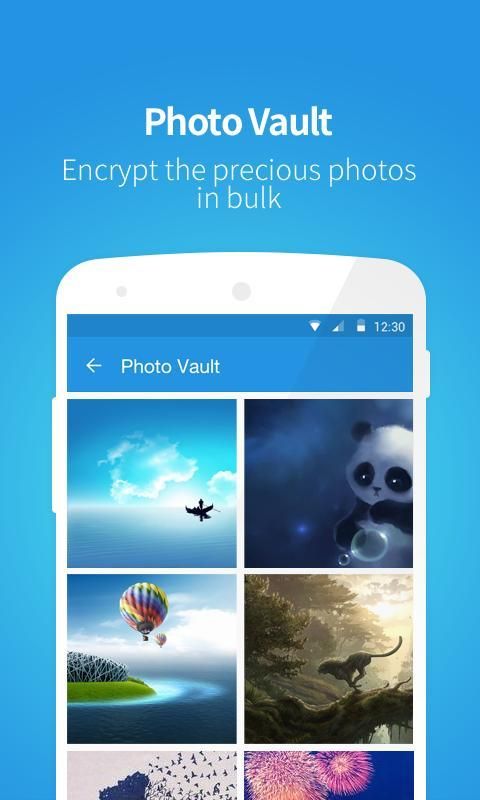
Photo Locker & Video Locker
You can hide your privacy photos and videos with Photo Vault and Video Vault. No one can peep without your the right password.
Advanced Protection
Advanced protection will prevent this privacy locker from being uninstalled without password. You need enable Advanced Protection in One Locker Settings by yourself to let it work perfectly.
More Features
• Lock any apps and games safely with password or pattern
• Lock your Gallery. Also a Gallery lock to lock your photos and videos.
• New installed app lock reminder, lock new apps with one click
• Advanced protection to protect One Locker from uninstall or delete
• Lock Install and Uninstall
• Lock your settings to prevent system modifying
• Lock your WiFi, Buletooth, Mobile Network Data and Auto Sync
• You can hide your password or Pattern trail
• Set Lock Time, only activate lock at certain time
Help fight against deceptive ads
SING is committed to fighting against deceptive ads and misleading downloads.
If you come across these kind of ads, hope you can help us to fight against them. Please email us via
play@mgyun.com
. If possible, please give us some key information like screenshot pictures, it will help us to remove the ads, thanks!
FAQ
Q
: How to protect my phone if One Locker is uninstalled by other?
A
:You can enable the advanced mode to protect One Locker from uninstall or deleted. After enabling advanced mode, no one can uninstall it without password.
Q
: One Locker is out of work, why?
A: Most probably because the cleaning app wiped out the data of One Locker. So please re-run One Locker after you cleans your phone.
Q
: What should I do if I forgot the password?
A
: You have set the security question when you installing One Locker, remember that? Only if you tap "Forgot password" and enter the answer to the security question, you can find back your password soon.
Q
: How to hide my photos and videos?
A
: If you want to hide photos or videos, please press “+” to add them into photo vault or video vault.
Q
: I have to enter the password everytime I open the locked app. Is there any available way?
A
: If you use some apps very frequently, you can set the time (1 min/3 mins) for free access.
Q
: How can I uninstall One Locker?
A
: It is recommended to enable the advanced protection so no one can uninstall your One Locker with out the right password. If you want to uninstall it, please disable the advanced protection first in One Locker settings and then uninstall it like other apps.
More questions, please connect our Facebook page:
https://www.facebook.com/onelocker
واحدة الخزانة هو شاشة القفل والخصوصية خزانة وصورة / فيديو المدفن لقفل وحماية التطبيقات / الصور / الفيديو باستخدام كلمة مرور أو نمط. واحد الخزانة يمكن قفل جميع تطبيقات وألعاب مثل جهات الاتصال الخاصة بك، المكالمات الواردة والبريد الإلكتروني، والرسائل القصيرة، والإعدادات، والصور، وهلم جرا. مع هذا التطبيق، وقفل الشاشة لوكر، وأنك لن تقلق بشأن تعريض خصوصية البيانات والخاصة للآخرين. لا تقلق بشأن أطفال تغيير إعدادات والألعاب.
الميزات
APP قفل
مع APP قفل، يمكنك قفل أي تطبيقات (بما في ذلك تطبيقات نظام وتطبيقات الطرف الثالث) والألعاب في الروبوت الخاص للحفاظ على الخصوصية الخاصة بك آمنة. بسيطة وسهلة لقفل التطبيقات بنقرة واحدة!
الشاشة الرئيسية الخزانة
قفل الشاشة الرئيسية لحماية خصوصيتك بشكل كامل مع مواضيع جميلة في الداخل،
ضغطة واحدة لتعيين قراءة رسالتك مباشرة أو غير مباشرة من شاشة القفل.
دخيل Selfie
التقط مختلسو النظر الهاتف بعد دخولها كلمات السر خاطئة، وقبض كل من يحاول تجسس على هاتفك.
صور الخزانة والفيديو الخزانة
يمكنك إخفاء الصور خصوصيتك والفيديو مع صور المدفن والفيديو المدفن. لا أحد يستطيع أن زقزقة دون بك كلمة المرور الصحيحة.
حماية متقدمة
حماية متقدمة سيمنع هذا خزانة خصوصية من أن إلغاء تثبيت دون كلمة السر. تحتاج تمكين حماية متقدمة في أحد إعدادات الخزانة بنفسك لندعه العمل تماما.
عن الميزات
• قفل أي التطبيقات والألعاب بأمان مع كلمة السر أو نمط
• قفل الصور الخاصة بك. أيضا معرض قفل لقفل الصور وأشرطة الفيديو الخاصة بك.
• تثبيت التطبيق الجديد قفل تذكير، قفل تطبيقات جديدة مع ضغطة واحدة
• حماية متقدمة لحماية أحد الخزانة من إلغاء أو حذف
• قفل تثبيت وإلغاء التثبيت
• قفل الإعدادات الخاصة بك لمنع نظام المعدلة
• قفل واي فاي الخاص بك، Buletooth، البيانات المتنقلة شبكة والمزامنة التلقائية
• يمكنك إخفاء كلمة السر أو نمط درب الخاص
• مجموعة قفل الوقت، وتفعيل القفل في وقت معين فقط
معركة مساعدة ضد الإعلانات المضللة
وتلتزم SING بمكافحة الإعلانات الخادعة والمضللة التنزيلات.
إذا كنت تأتي عبر هذا النوع من الإعلانات، ونأمل يمكنك مساعدتنا في محاربتهم. يرجى مراسلتنا عبر
play@mgyun.com
. إذا كان ذلك ممكنا، يرجى تعطينا بعض المعلومات الأساسية مثل صور للشاشة، وسوف يساعدنا على إزالة الإعلانات، وذلك بفضل!
التعليمات
س : كيف تحمي هاتفي إذا تم إلغاء تثبيت أحد الخزانة من قبل البعض؟
A : يمكنك تمكين الوضع المتقدم لحماية أحد الخزانة من إلغاء أو حذف. بعد تمكين الوضع المتقدم، لا أحد يستطيع إلغاء من دون كلمة السر.
س : واحد الخزانة هو عاطل عن العمل، لماذا؟
A: وأغلب الظن لأن التطبيق التنظيف محا البيانات من أحد الخزانة. لذا يرجى إعادة تشغيل واحد الخزانة بعد ينظف هاتفك.
س : ماذا علي أن أفعل إذا كنت قد نسيت كلمة المرور؟
A : لقد قمت بضبط سؤال الأمان عند تثبيت أحد الخزانة، تذكر ذلك؟ إلا إذا كنت اضغط على "نسيت كلمة المرور" وأدخل الإجابة على سؤال الأمان، يمكنك العثور على الظهر كلمة المرور الخاصة بك في وقت قريب.
س : كيفية إخفاء بلدي الصور والفيديو؟
A : إذا كنت تريد إخفاء الصور أو مقاطع الفيديو، يرجى الضغط على "+" لإضافتها إلى الصورة قبو قبو أو الفيديو.
س : لدي للدخول في كل مرة كلمة I فتح التطبيق مؤمن. هل هناك أي وسيلة متاحة؟
A : إذا كنت تستخدم بعض التطبيقات بشكل متكرر جدا، يمكنك ضبط الوقت (1 دقيقة / 3 دقائق) لحرية الوصول.
س : كيف يمكنني إلغاء تثبيت أحد الخزانة؟
A : ينصح لتمكين حماية متقدمة بحيث لا يمكن لأحد إلغاء الخاص خزانة واحدة مع من كلمة المرور الصحيحة. إذا كنت ترغب في إلغاء تثبيته، يرجى تعطيل حماية متقدمة لأول مرة في إعدادات خزانة واحدة ومن ثم إلغاء تثبيته مثل تطبيقات أخرى.
المزيد من الأسئلة، يرجى الاتصال صفحة الفيسبوك لدينا:
https://www.facebook.com/onelocker
One Locker 1.2.8:
1.Small bugs fixed.
2.Recover hided photos and video.



9Apps 4.9










