

It has to be noticed that 10,000+ users downloaded Mickey Mouse Analog Clock with Date latest version on 9Apps for free every week! And it was enormous fun This hot app was released on 2013-04-19. Come and download it now!
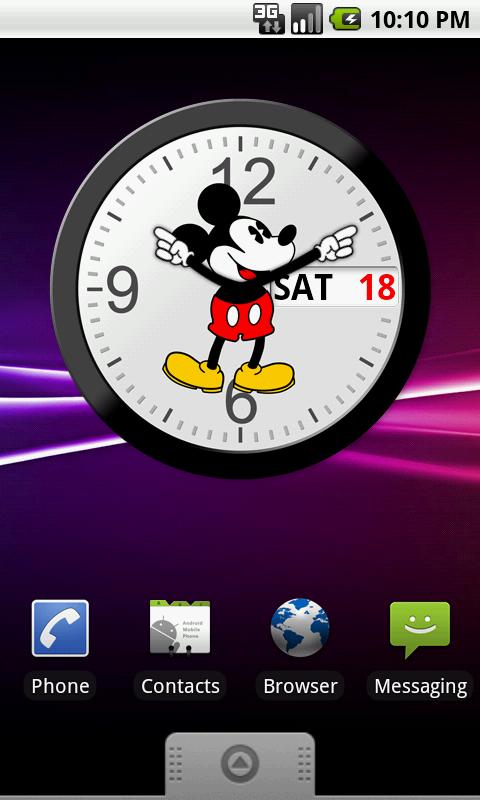
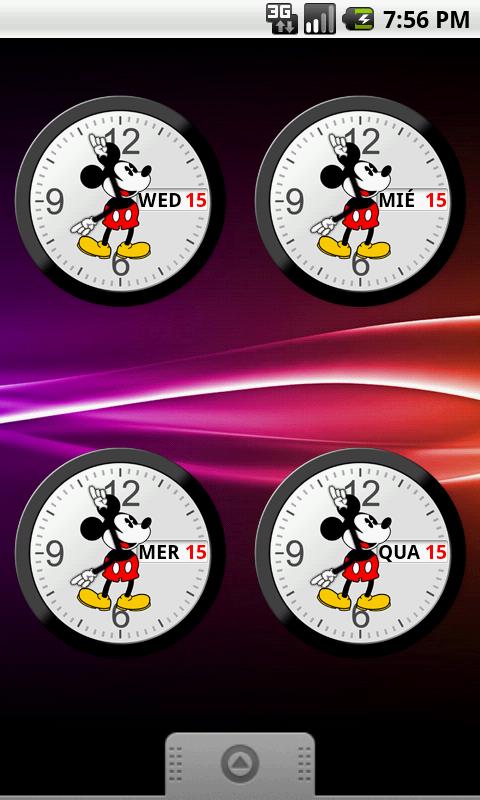
The world's most famous mouse, in an analog clock at your home screen.DONATEThis release is free, but if you really like it then please consider donate buying my "Office Analog Clock" app:https://market.android.com/details?id=br.com.letsbora.officeclockliteThanks a lot.IMPORTANT: After update, remove and add your clock again, otherwise date will not update!HOW TO INSTALL**This is a widget. No icon will appear on app drawer.**Add it by long press on the home screen, choose "Widgets" from the pop-up menu and scroll to find and choose "Mickey Mouse Clock".FEATURES* Shows date and week day* Week day in five languages: English, French, Italian, Portuguese or Spanish* Two sizes: small and large* Touch to launch Alarm ClockNOTES* There is no second hand due avoid performance and battery issues.* After a version update, remove it from the screen and add it back.* If you manually changes system date, wait few seconds to have the calendar updated.* There is no icon on app drawerDONATE!The release is free, but if you really like it then please consider donate buying one of my paid app. Thanks a lot.CONTACTComments or bugs reports. Email to: contact@letsbora.comEnjoyKEYWORDS: Analog Clock, Hands, Calendar, Brasil, Mickey Mouse, Relógio, Français, Español, Português, ItalianoRecent changes:IMPORTANT: After update, remove and add your clock again, otherwise date will not update!Version 1.2.0 - Fixed: Date updade module stoped by Android system.Version 1.1.1 - Spanish week days spell correction (thks José Roberto).Version 1.1.0 - Custom layout for small screen devices.Version 1.0.1 - English week days spell correction (thks Stephen).content rating: Everyone






9Apps 4.9










