


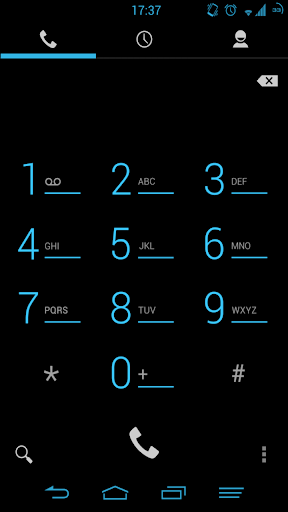
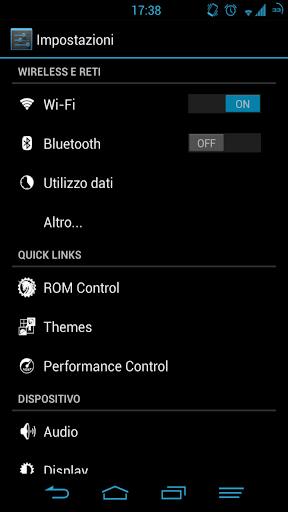
This theme is for AOSP roms with xTheme Engine
Its purpose is to enhance the Android UI without compromising the vanilla look.
NOT suitable for Lollipop!
If you have a ROM like Cyanogenmod 10/11 & co. download the version for theme chooser.
For more info regarding xTheme chooser read here
http://forum.xda-developers.com/showthread.php?t=2240180
HOW TO APPLY:
-Install Xposed Installer from here http://forum.xda-developers.com/showthread.php?t=1574401
-Install Xposed Framework (from the Xposed Installer app)
-Install HKThemeEngine from here http://forum.xda-developers.com/showthread.php?t=2602257
-Activate the module in Xposed Installer app
-Activate the theme through HKThemeEngineApp
-Enjoy! :)
If the theme is not showing up in Xposed:
-Backup the app to your sdcard using your favorite app (Romtoolbox):
-Go into app manager
-Find the theme app
-Select it
-Back it up to sdcard
-Select the app again
-Uninstall the app
-Go to sdcard under app_manager
-Into App_Backups
-Select the Theme and install it
-Go back into xposed and the theme will be there
Official thread @ XDA Developers: http://forum.xda-developers.com/showthread.php?t=1615767
For problems send me a mail - razer.psn@gmail.com
v1.4.4
-added suppor for the new dialer






9Apps 4.9













