

Browse and download apps to your android phone from the App Store. 30,000+ users downloaded Where Is My Car? latest version on 9Apps for free every week! It has been a popular app for a long time. This hot app was released on 2018-10-14. Find out more android software you're looking for at 9apps.com
An intuitive and speedy app to help you find your car.
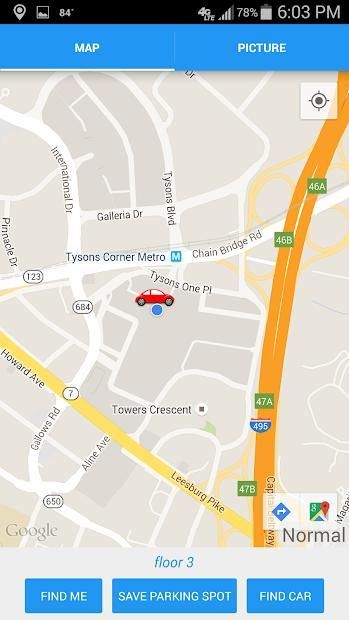
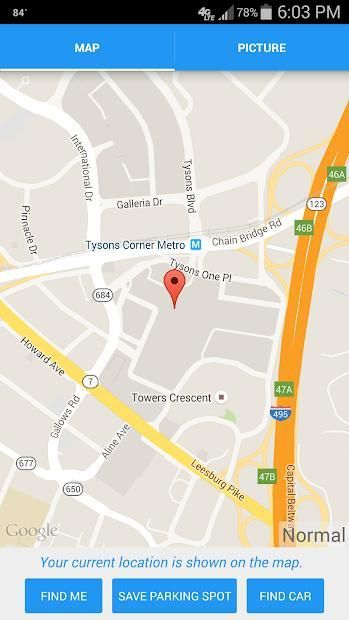
This app uses GPS and network signals to quickly pinpoint your parking location on a map. Never waste time trying to find your car again!
Features Include:
★ Precise GPS location
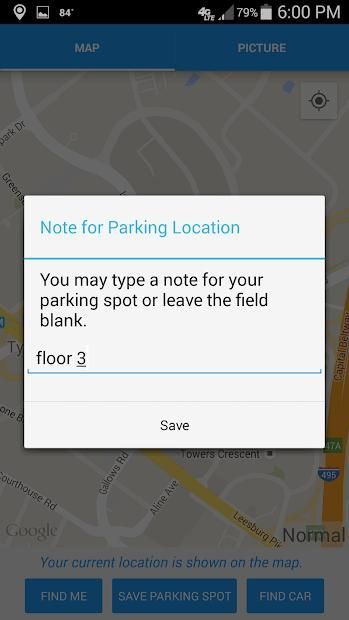
★ Text note to mark which garage floor you parked on
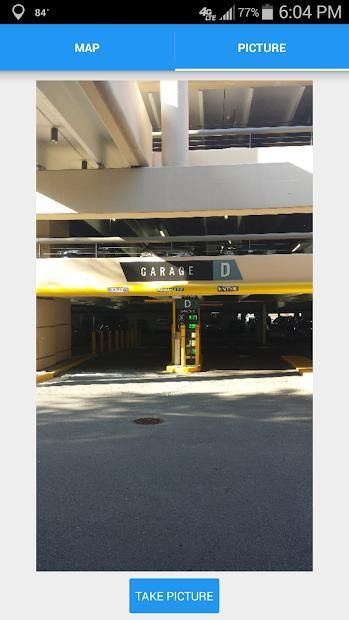
★ Street-view picture of your parking location
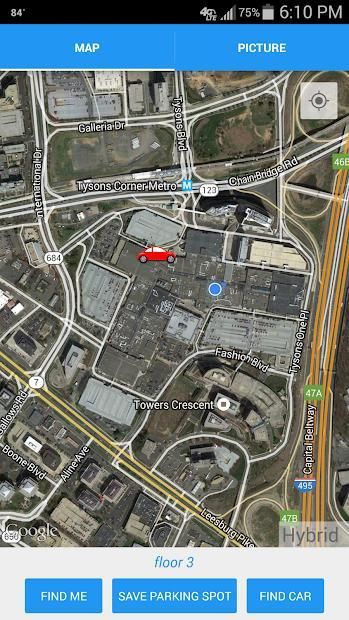
★ Includes satellite and hybrid map view of your parking area
★ Ability to drag car marker to a new parking spot on the map
How to Use the App:
1. Click "FIND ME" to show your current parking location.
2. Click "SAVE PARKING SPOT" to save your current parking location.
3. You have the option of typing a note for the parking spot and taking a picture to go along with it.
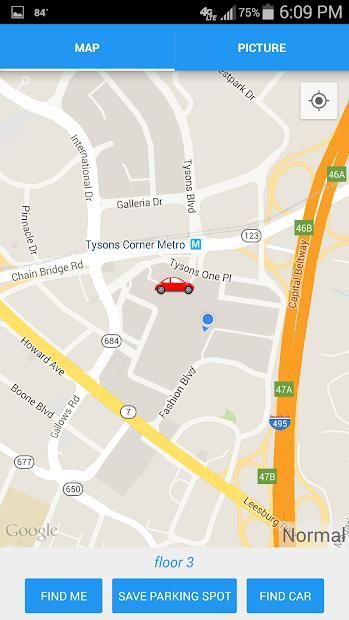
4. To find your car, click "FIND CAR". This will show where your car is and also your current location.
5. To get turn by turn direction from your location to your car, tap on the car icon, and then tap on the arrow icon that appears on the bottom right hand of the screen.
Sebuah aplikasi intuitif dan cepat untuk membantu Anda menemukan mobil Anda. Aplikasi ini menggunakan GPS dan jaringan sinyal untuk segera menentukan lokasi parkir Anda pada peta. Jangan buang waktu mencoba untuk mencari mobil Anda lagi!
Fitur Termasuk:
★ Precise lokasi GPS
★ Teks catatan untuk menandai mana garasi lantai Anda diparkir di
★ Street-lihat gambar lokasi parkir Anda
★ Termasuk satelit dan hybrid tampilan peta area parkir Anda
★ Kemampuan untuk menyeret penanda mobil ke tempat parkir baru di peta
Cara Menggunakan App:
1. Klik "MENCARI ME" untuk menunjukkan lokasi parkir Anda saat ini.
2. Klik "SIMPAN PARKIR SPOT" untuk menyimpan lokasi parkir Anda saat ini.
3. Anda memiliki pilihan untuk mengetik catatan untuk tempat parkir dan mengambil gambar untuk pergi bersama dengan itu.
4. Untuk menemukan mobil Anda, klik "CARI CAR". Ini akan menunjukkan di mana mobil Anda dan juga lokasi Anda saat ini.
5. Untuk mendapatkan gilirannya oleh arah turn dari lokasi Anda ke mobil Anda, tekan ikon mobil, dan kemudian tekan pada ikon panah yang muncul di sisi kanan bawah layar.


9Apps 4.9











