
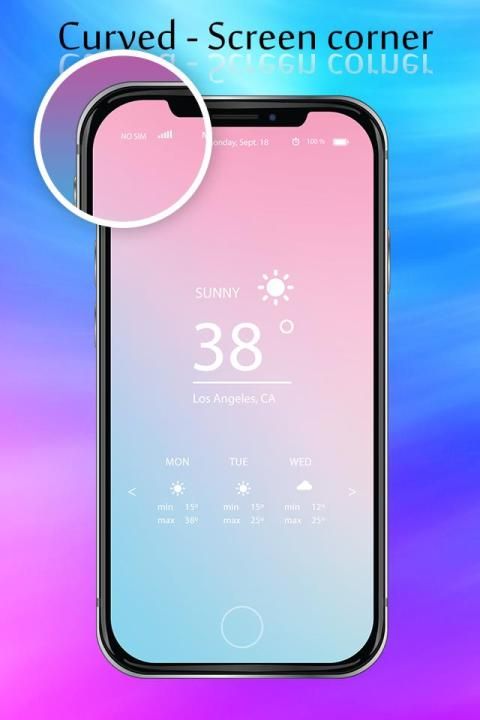
It is said that 30,000+ users downloaded Curved Screen Edge - Rounded Screen Corner latest version on 9Apps for free every week! The app can be the quickest one to play if you get used to it. This hot app was released on 2019-01-04. You can quickly get it from 9Apps!
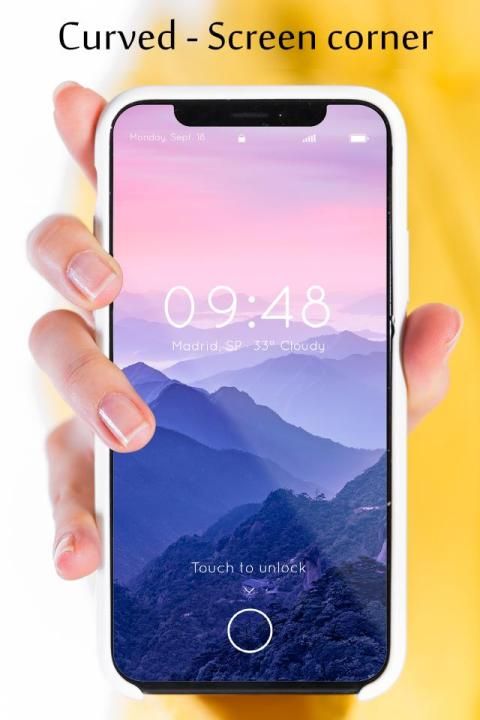
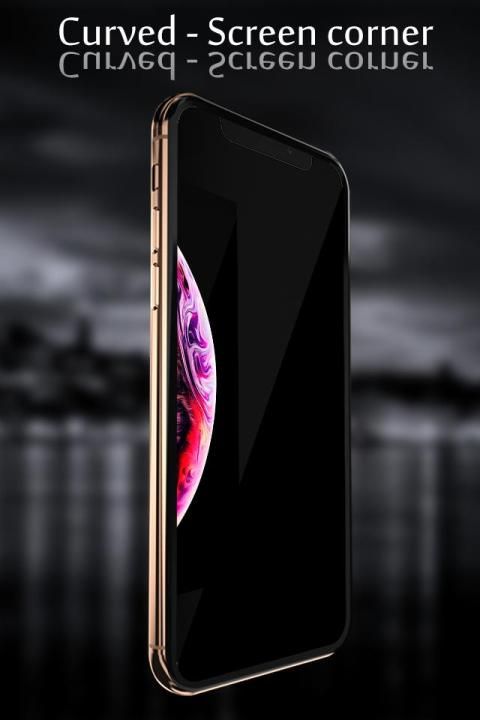
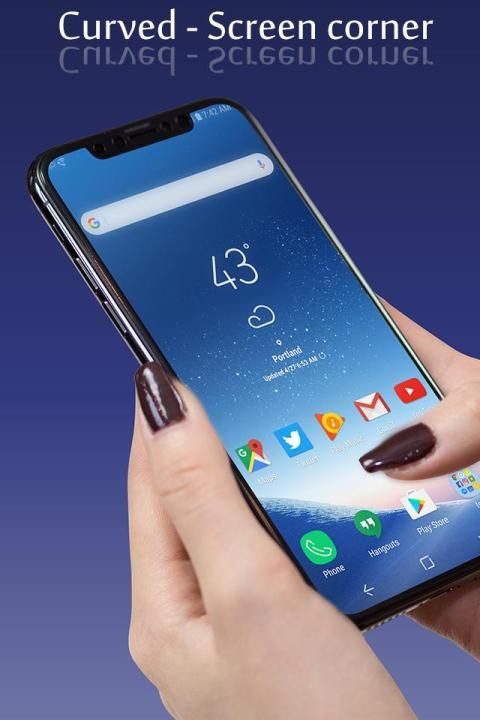
◙ If you feel bored with rectangular screen and want to try a new screen corner style, download Curved Screen Edge - Rounded Screen Corner The main function of app is to round screen corner and curved edge screen, make it look smooth and fashionable.
◙ Pimp your screen with round screen corners, the primary purpose of the Round corners app is to round the corners of your display regardless of the device you’re using.
◙ App offers so many colors for your choice. You can set the color of the edge screen so that it matches the color of your phone.
◙ It also has many filters like frame and overlay filters, allows you even more customize your phone to match with your style.
◙ When turn on notification mode, you can disable Rounded Corners app right on the notification bar.
◙ Quick setting curved edge screen app from navigation bar.
◙ Individual corner settings for each and every app.
◙ Option rounded over status bar, navigation bar.
◙ Permissions
+ No internet access require.
+ System overlay - used for draw over apps
+ Accessibility Service used for app specific settings for four corners.
◙ Jika Anda merasa bosan dengan layar persegi panjang dan ingin mencoba gaya sudut layar baru, unduh Curved Screen Edge - Rounded Screen Corner Fungsi utama aplikasi adalah untuk membulatkan sudut layar dan layar tepi melengkung, membuatnya terlihat halus dan modis.
◙ Pimp layar Anda dengan sudut-sudut layar bulat, tujuan utama aplikasi Round sudut-sudut adalah untuk membulatkan sudut-sudut layar Anda terlepas dari perangkat yang Anda gunakan.
◙ Aplikasi menawarkan begitu banyak warna untuk pilihan Anda. Anda dapat mengatur warna layar tepi agar cocok dengan warna ponsel Anda.
◙ Ini juga memiliki banyak filter seperti frame dan filter overlay, memungkinkan Anda untuk lebih menyesuaikan ponsel agar sesuai dengan gaya Anda.
◙ Saat mengaktifkan mode pemberitahuan, Anda dapat menonaktifkan aplikasi Rounded Corners langsung di bilah pemberitahuan.
◙ Pengaturan cepat aplikasi layar tepi melengkung dari bilah navigasi.
◙ Pengaturan sudut individual untuk masing-masing dan setiap aplikasi.
◙ Opsi dibulatkan pada bilah status, bilah navigasi.
◙ Izin
+ Tidak memerlukan akses internet.
+ System overlay - digunakan untuk aplikasi draw over
+ Layanan Aksesibilitas yang digunakan untuk pengaturan khusus aplikasi untuk empat sudut.



9Apps 4.9











