

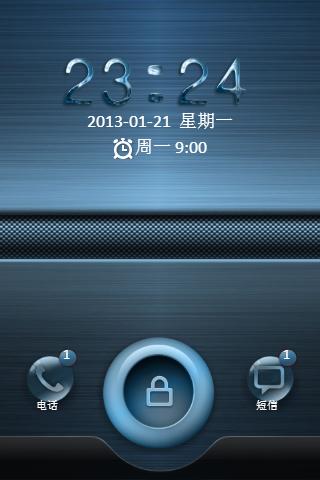
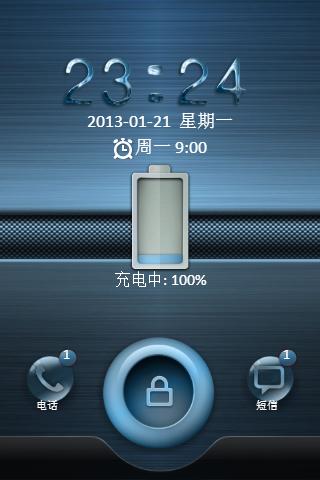
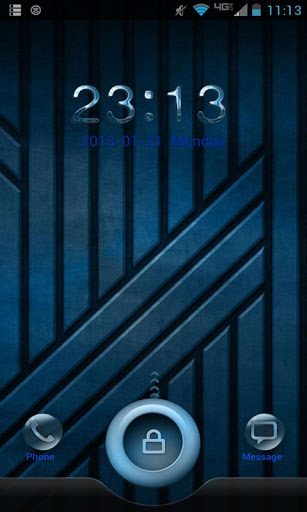
Blue Steel GO Locker Sense Style design for GO Launcher.
1. Make sure GO Launcher EX V2.58 or above and GO Locker v1.0 have been installed
2. Click “MENU —-> Preferences —-> Theme Settings —-> GO Locker --> My locker” to choose the theme.
3. To change background/wallpaper to match home screen.
Go to Go Locker Settings and choose background and select Launcher Background.
✩✩ATTENTION✩✩
This theme has reached its end of life and is no longer officially supported or developed.






9Apps 4.9















