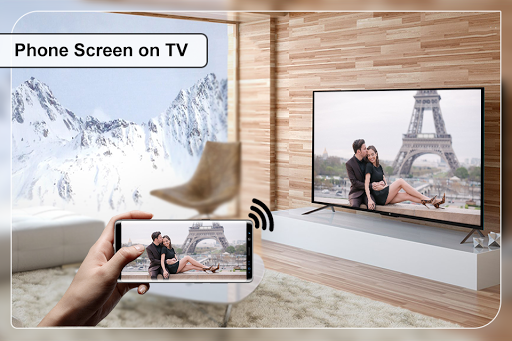
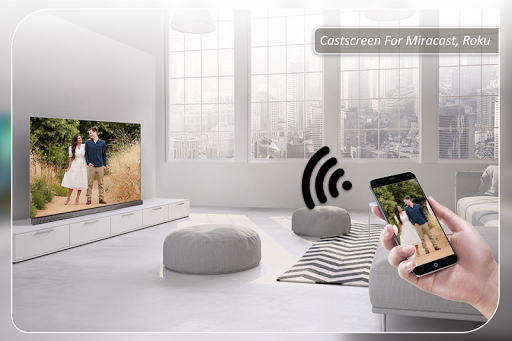
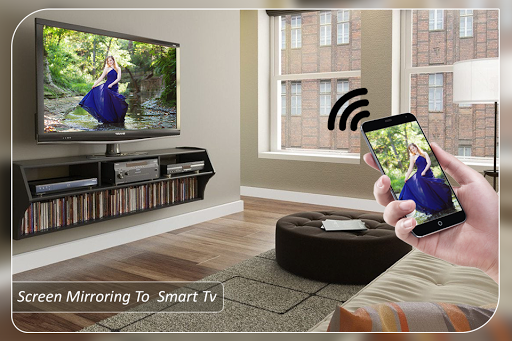
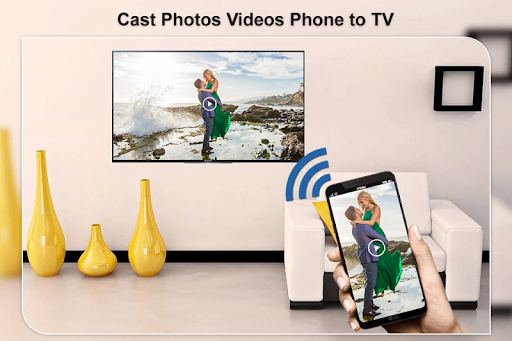
✔ Cast to TV screen mirror : via this app user can share own mobile screen to any other android device and play & watch video , photo, music, chromecast or webcast or any thing in mobile.
✔ Uses of this app is very simple, anyone can operate this app through guidence step given in app. Just click on "START" button & hotspot will be operating automatically and connect it through paired WIFI. but for easily pairing Smart TV it must be on same network.
✔ Apps supported device : Laptop, Smart TV, Tablet, Fire TV Stick and Roku, miracast devices etc......
Following below steps to connect your android device with TV :
✔ Check your TV weather it supports WIFI Display / Cast to tv.
✔ Make sure that your TV and device connected by same WIFI network.
✔ Make sure your device inbuilt hardware of Screen Casting.
✔ Enable cast to screen Display on your TV.
✔ Start Wireless Dispaly option on your phone.
✔ Click Select button and choose your TV.


9Apps 4.9