Secure your files in the cloud the easy way! And the best: It's for free!
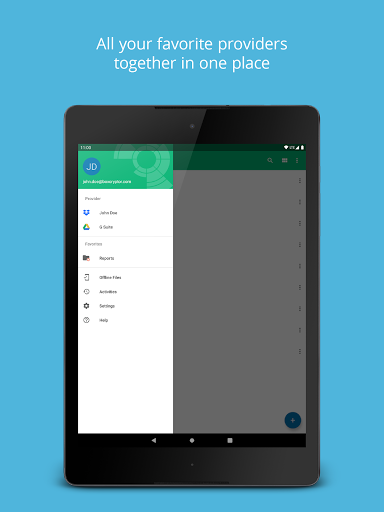
With Boxcryptor, you can encrypt your files before uploading them to Dropbox, Google Drive, Microsoft OneDrive and many other providers without sacrificing safety, privacy, or comfort. Easily encrypt your files locally and access them via your smartphone or tablet – anywhere and anytime. Your cloud provider only receives encrypted files and you keep control of your data!
NOTE: If you experience any problems with this app, please contact our support before leaving a 1-star review. You can submit a ticket here: http://support.boxcryptor.com - Thank you!
Features:
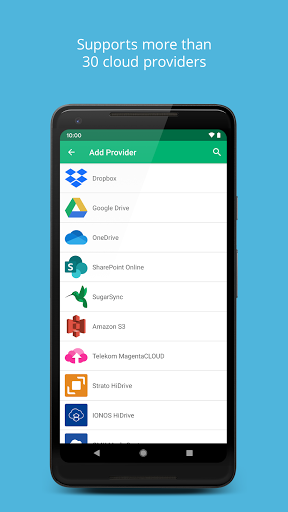
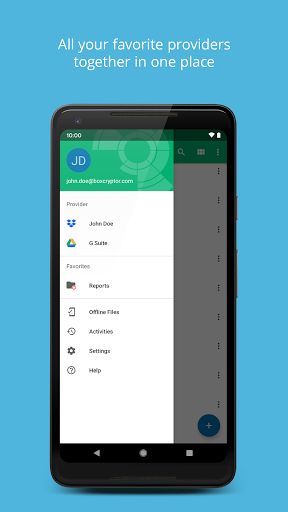
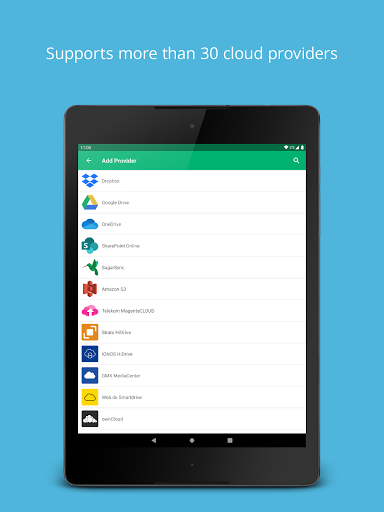
- Supports most cloud storage providers like Dropbox, Google Drive or Microsoft OneDrive. See below for a complete list of supported providers
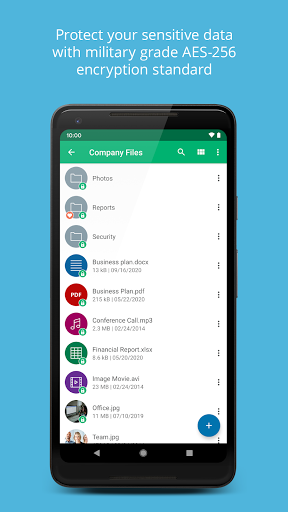
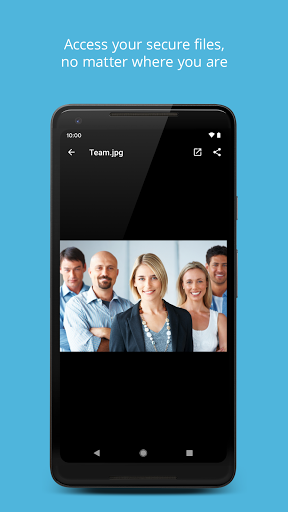
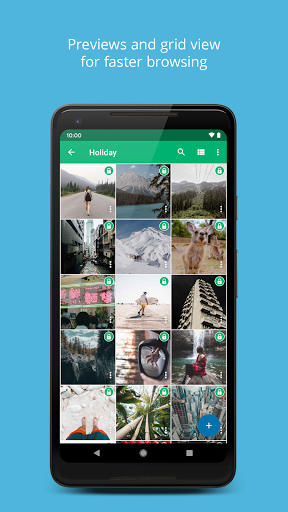
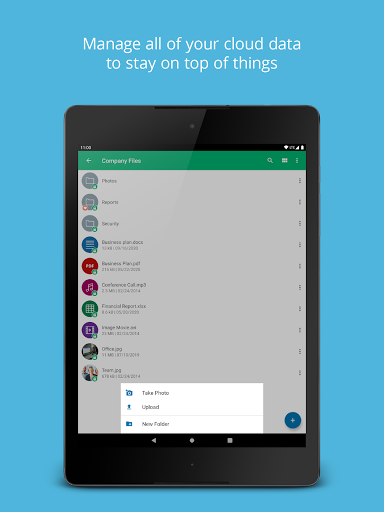
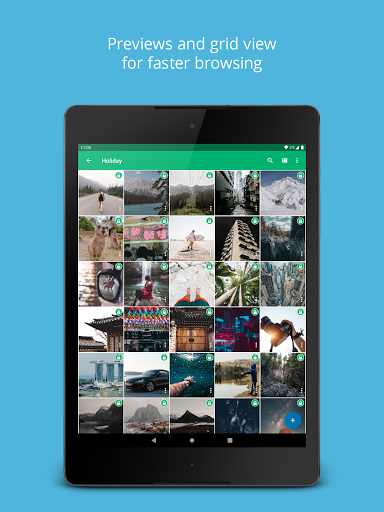
- Access your encrypted files (documents, photos, music, etc.) in your cloud anytime and have your sensitive files always with you
- Encryption and decryption is done directly on your device - your password is never transmitted
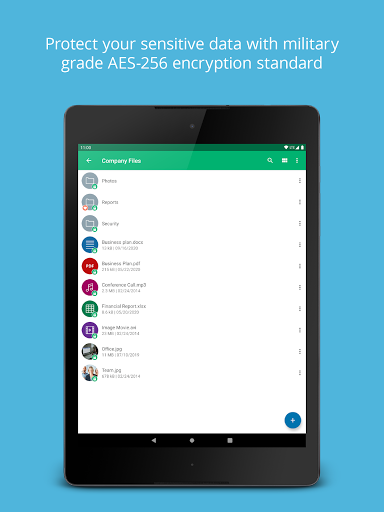
- Secure file encryption using the AES-256 standard
- Boxcryptor Unlimited users can also use filename encryption
Tip:
The Boxcryptor Company Package offers additional features for businesses:
- Use a master key to be able to decrypt every employee's files
- Set policies to enforce rules
- Central user management and billing
List of supported storage providers:
Dropbox, Google Drive, Microsoft OneDrive, Microsoft OneDrive for Business, Sharepoint Online, Box, SugarSync, Amazon S3, Telekom MagentaCLOUD, Strato HiDrive, IONOS HiDrive, GMX MediaCenter, Web.de Smartdrive, ownCloud, Nextcloud, LeitzCloud, hubiC, mail.ru Hotbox, Wasabi, Nutstore, mailbox.org Drive, CloudMe, Storegate, Egnyte, PSMail Cabinet, Livedrive, Yandex Disk and others using WebDAV. Additionally it is possible to encrypt files on your local device storage.
Go to www.boxcryptor.com to find product manuals and more information about Boxcryptor.
Boxcryptor requires the following permissions:
- Network communication: Required for Internet access
- Storage: Required to read/write files
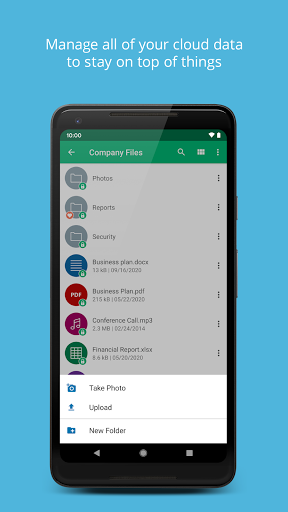
- Camera: Required to take photos directly in Boxcryptor
- Start: Required for automatic camera upload
- Vibrate: Required for haptic feedback
Fixed startup issues on Android 6




9Apps 4.9